

Executing Automation from the Command Line
Once the setup is complete, this step explains how to run your selected automation using the CLI command and Console Run ID.
- To execute a Run Setting, run the following command:
HuLoopCLI.exe<space>-open<space>”<Console Run ID>”
e.g., HuLoopCLI.exe -open “ETQyVIZ”
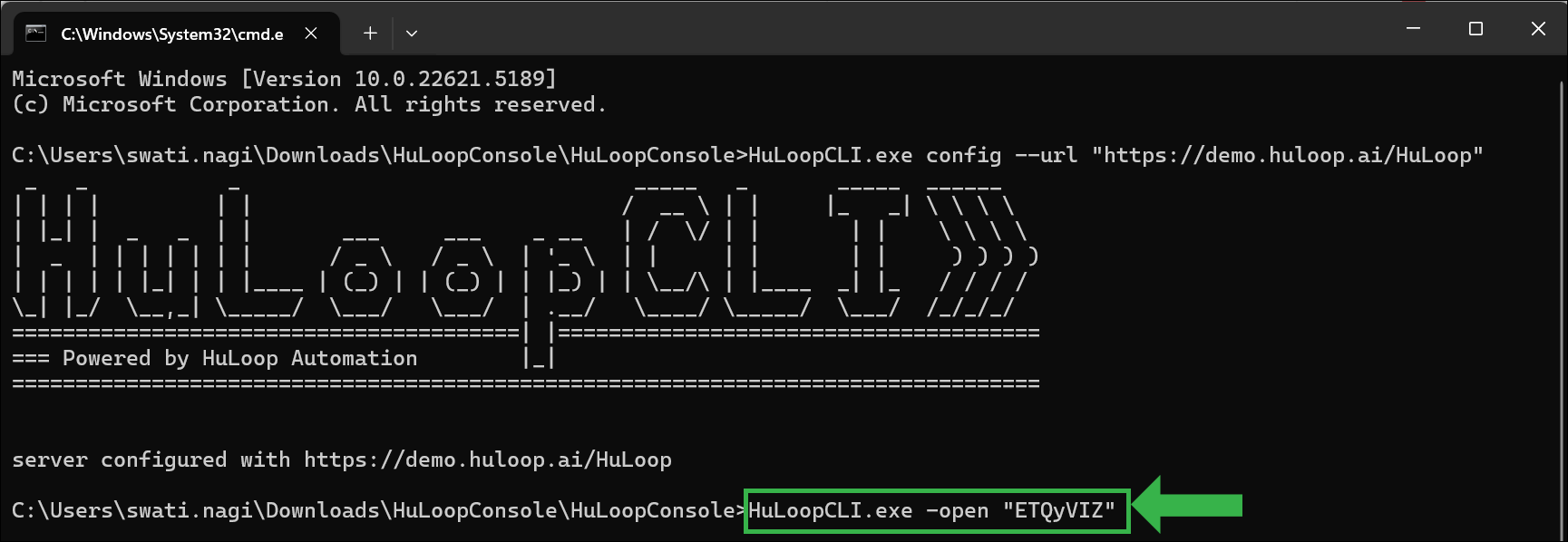
- Hit Enter.
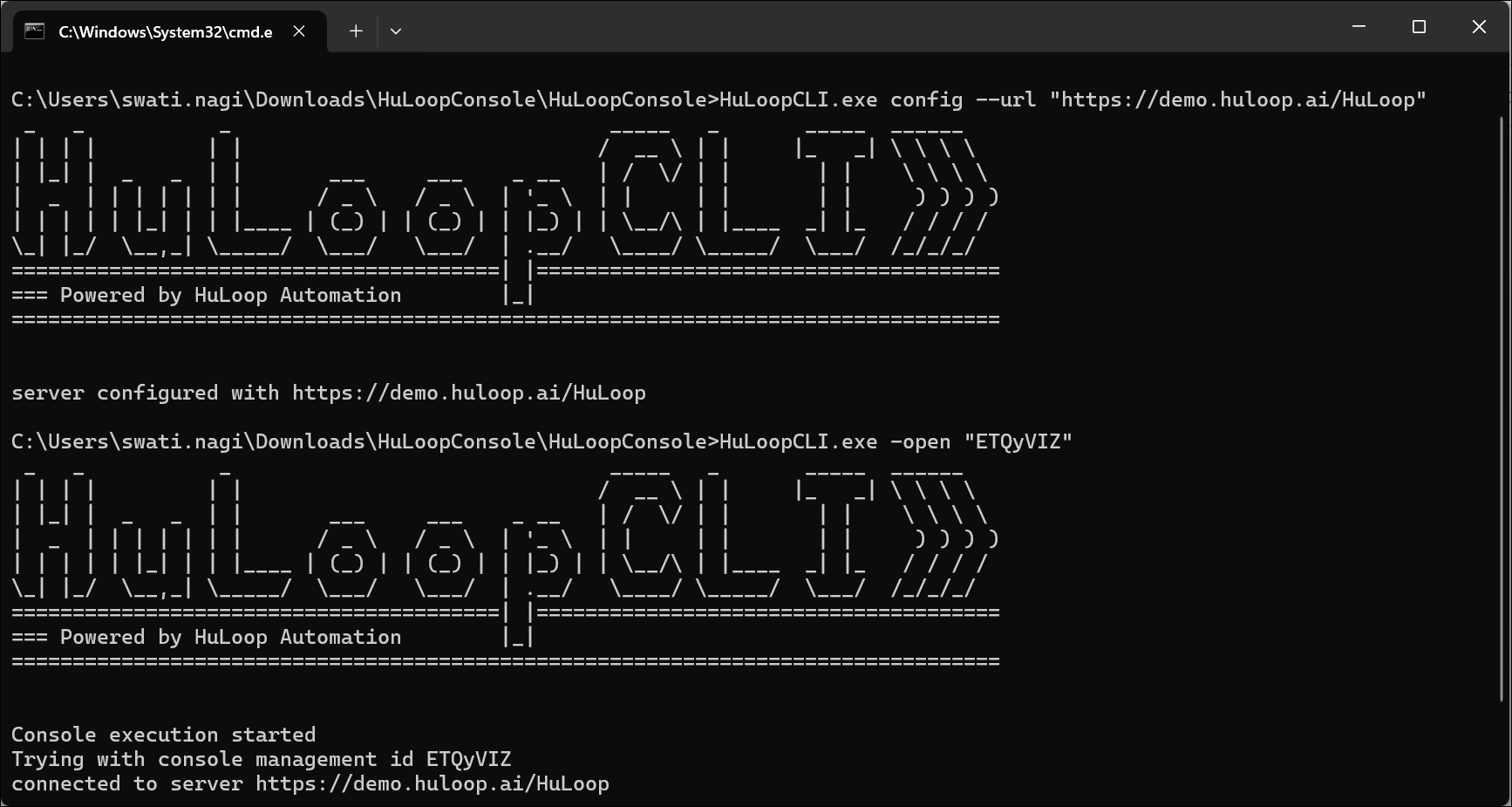
The selected test cases, modules, or project will start executing.
