Copy an App
You can create a copy of an existing app instead of creating a new app from the beginning.
Only published apps can be copied.
If the app is in draft mode, the copy option is not available.
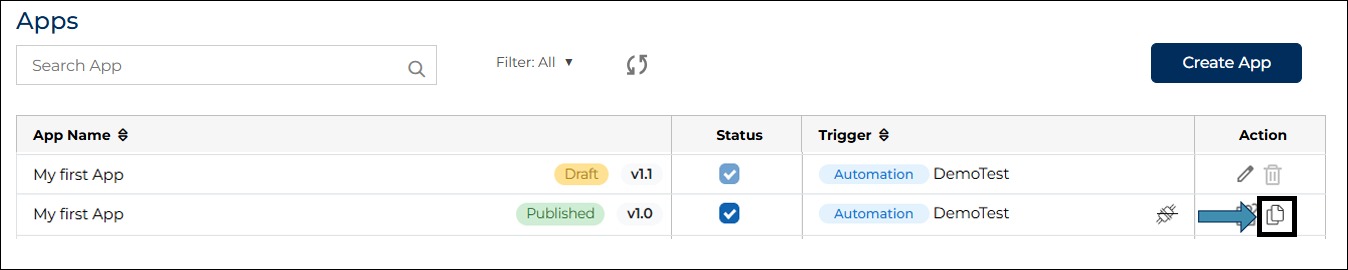
On the Apps page, locate the app that you want to copy.
- In the Actions column, click the Copy App icon
 .
.
 .
.
- A pop-up window appears.
- Enter a new name for the app.
- Click Save.

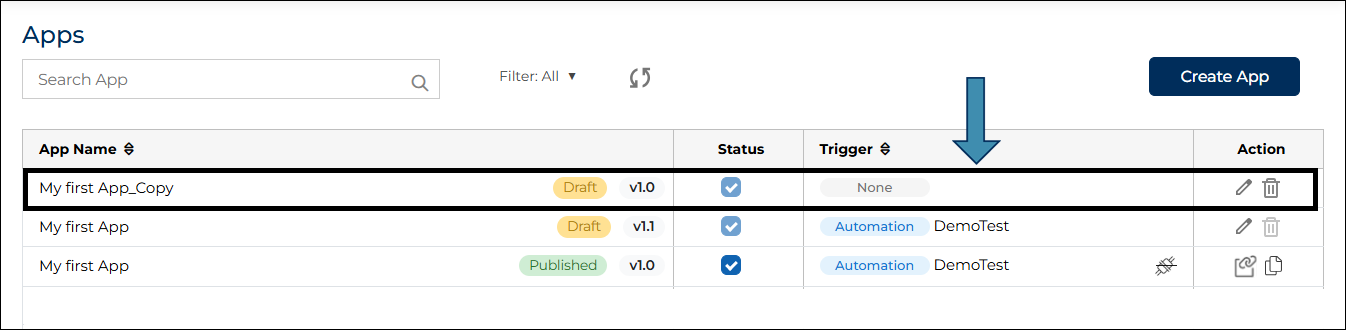
- A new app is created with the same configuration as the original app.
- The copied app is created in Draft mode, and you can open it and make changes if required.
- Copying an app is useful when you want to create a similar app with small changes.