

Edit a Row
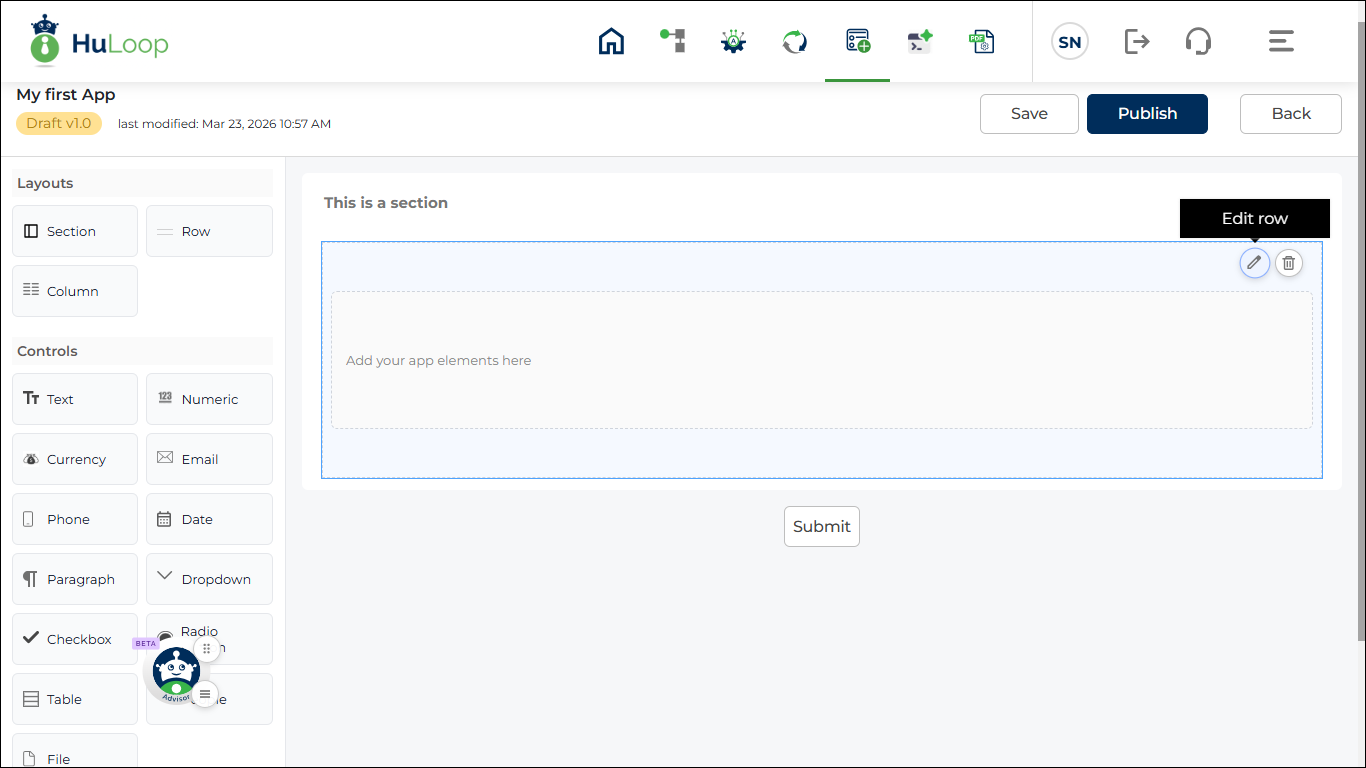
To change the properties of an existing row, click the Edit icon on the row.
The properties panel opens on the right side, where you can update the settings.
To change the properties of an existing row, click the Edit icon on the row.
The properties panel opens on the right side, where you can update the settings.
