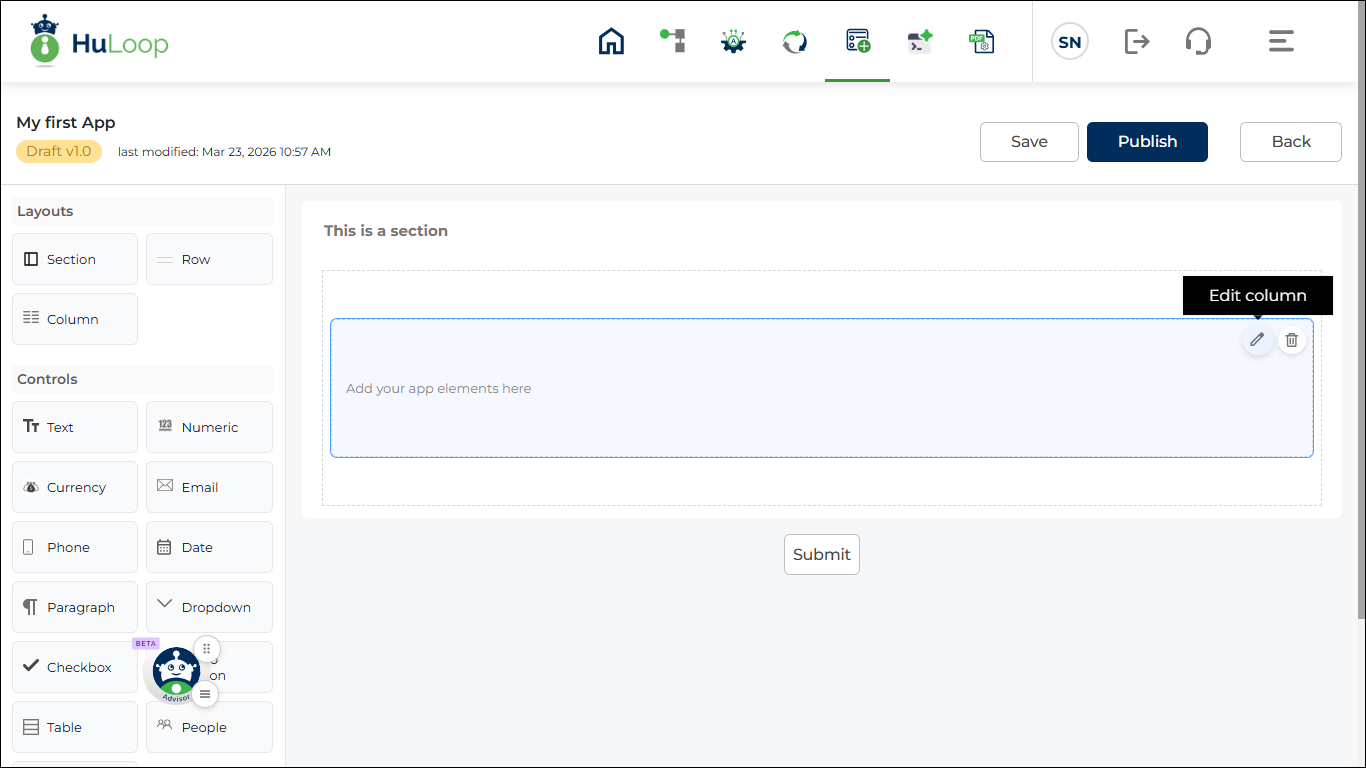
Edit a Column
You can edit the properties of an existing column.
- On the design canvas, locate the column that you want to edit.
- Click the Edit icon on the column.
- The properties panel opens on the right side of the screen.
- You can update the column settings from this panel.
- After updating the properties, save the changes if required.