

Copy App URL
Each published app has a URL that can be used to open the app.
- On the Apps page, locate the app.
- In the Actions column, click the Copy App URL icon
 .
.
 .
.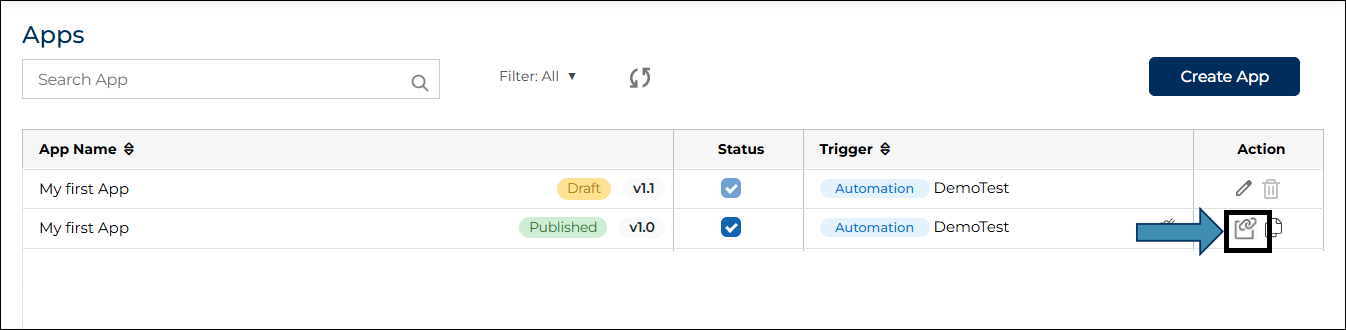
- The app URL is copied to the clipboard.
- You can paste this URL in a browser to open the app.
- The behavior of the app depends on the access mode selected while creating the app.
- If the app access mode is Authenticated, the user must sign in before the app opens.
- If the app access mode is Anonymous, the app opens without requiring sign-in.
- Copy App URL is useful when you want to share the app link with users or use the app in workflows, automation, or external systems.
