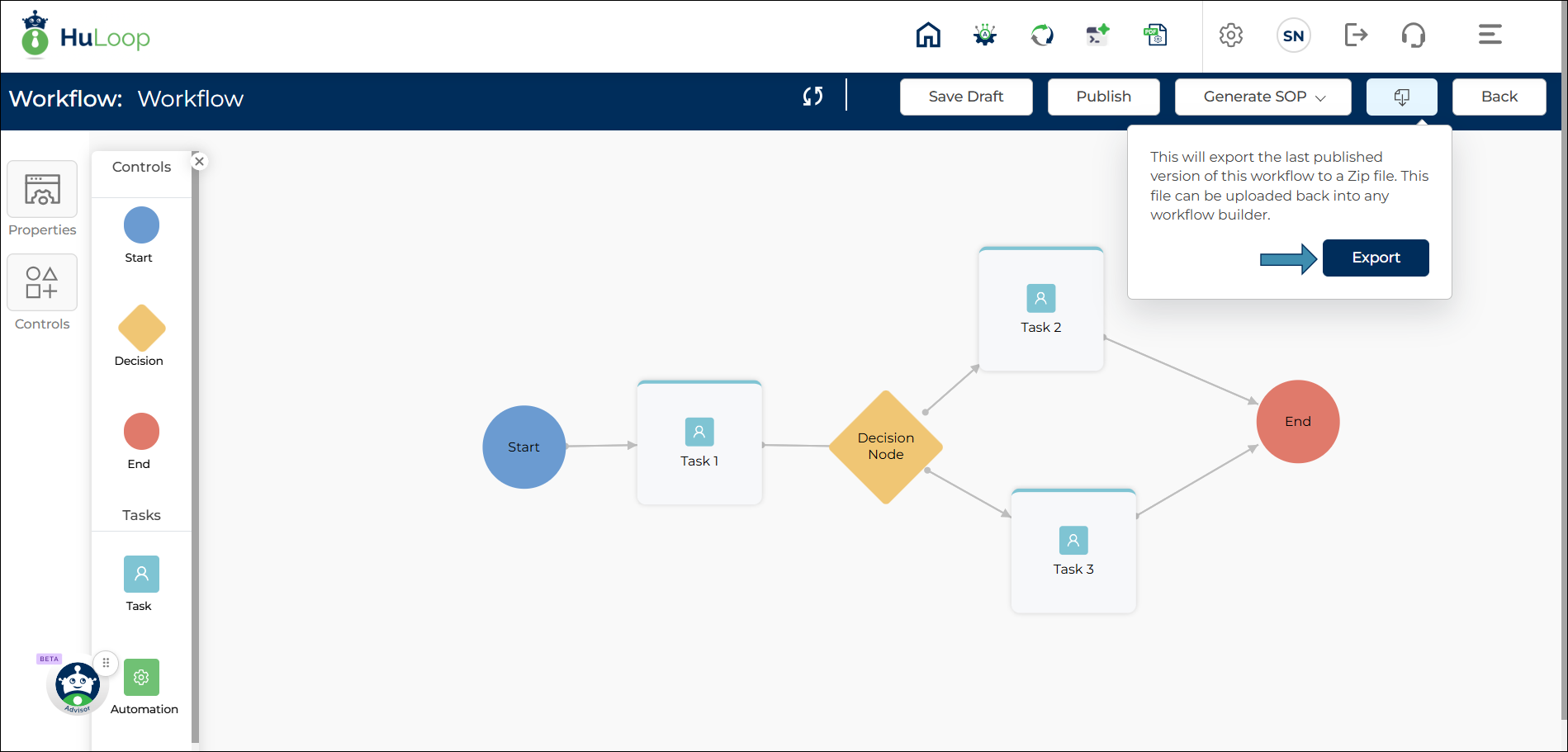

Exporting a Published Workflow
After a workflow has been published, you can export it for reuse or migration purposes.
When exported, HuLoop generates a ZIP file containing the published workflow definition. The exported file can later be imported into another workflow builder environment.
To export a workflow:
- Open the published workflow.
- Click the Export Workflow icon.
- Click Export.
- Save the generated ZIP file to your preferred location.
Note: The Export Workflow option is available only for published workflows.