

HuLoop Documentation
The Apps page displays all apps available in the account.
From this page, you can:
- View all existing apps
- Search for apps
- Filter apps (All / Published / Draft)
- Reset applied filters
- Create a new app
- Open an existing app
- Return to the Home page
To create a new app, click Create App.
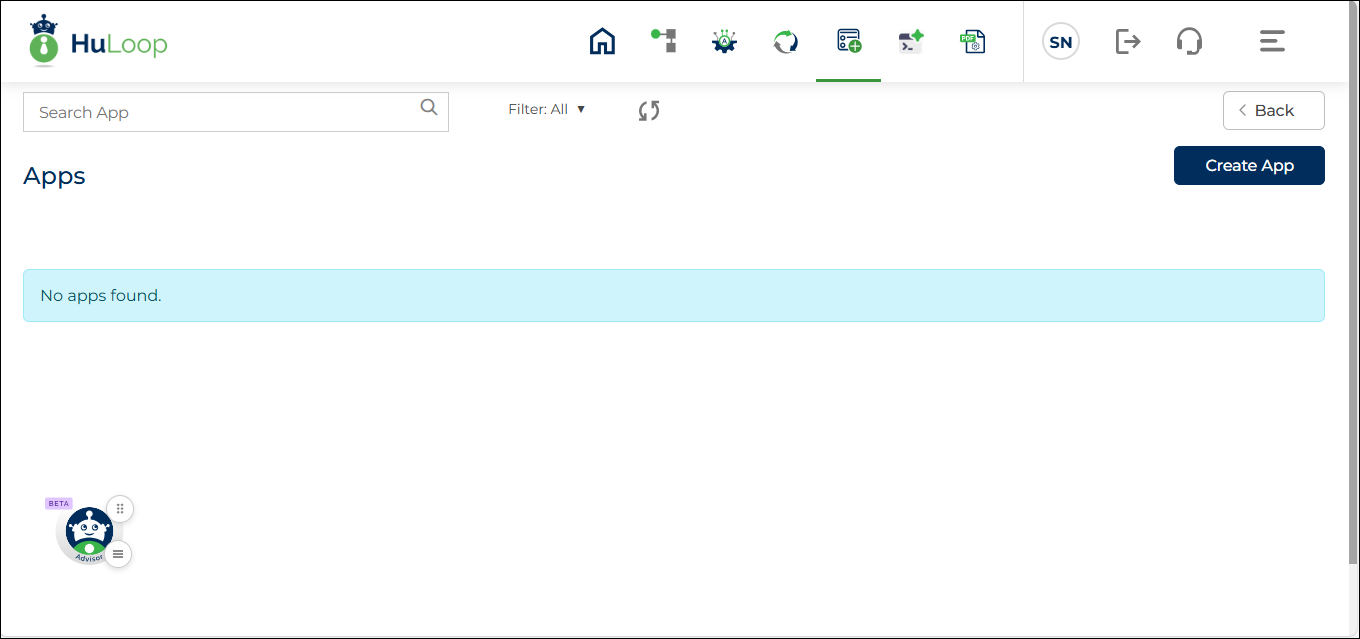
Below these options, the page shows the list of apps along with their state, version, trigger, and available actions. You can edit an app, copy an app, deactivate an app, or configure a trigger from this page.
The following sections explain these actions in detail:
- Edit an app
- Copy an app
- Deactivate an app
- Configure a trigger
